01 / LIVE CONTROL · ANDROID 10+
Your lights.
Your show.
Try Live Control right here. Hold multiple buttons or circle segments at once.
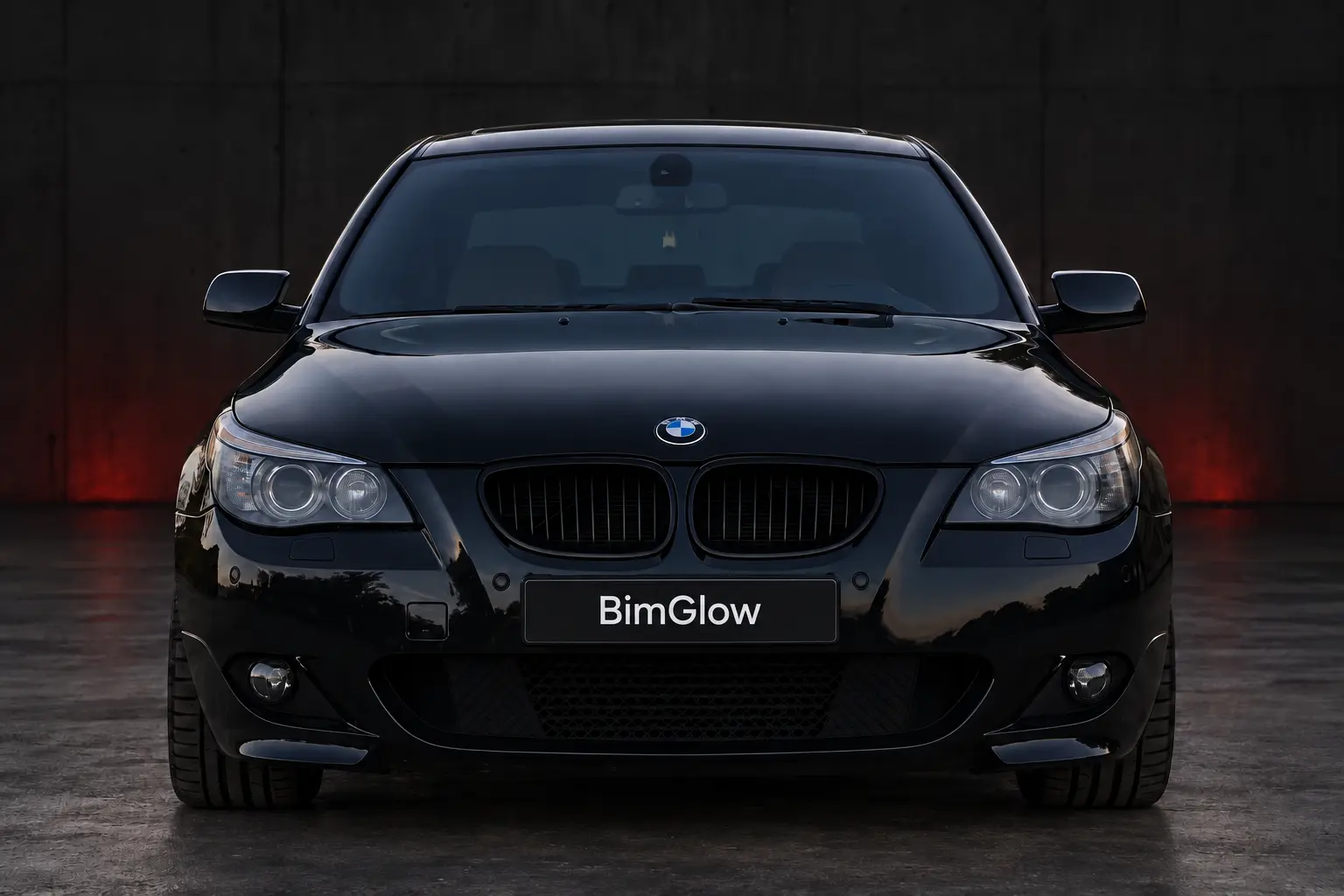
Hold: on. Release: off. Multiple fingers supported.
Simplified E60 preview · Left/right from the driver’s perspective. Also works with Enter and Space.
Control, record and share your light shows as files.
FreeControl turn indicators
ProAll supported lights
02 / CONNECT
Plug in.
Get started.
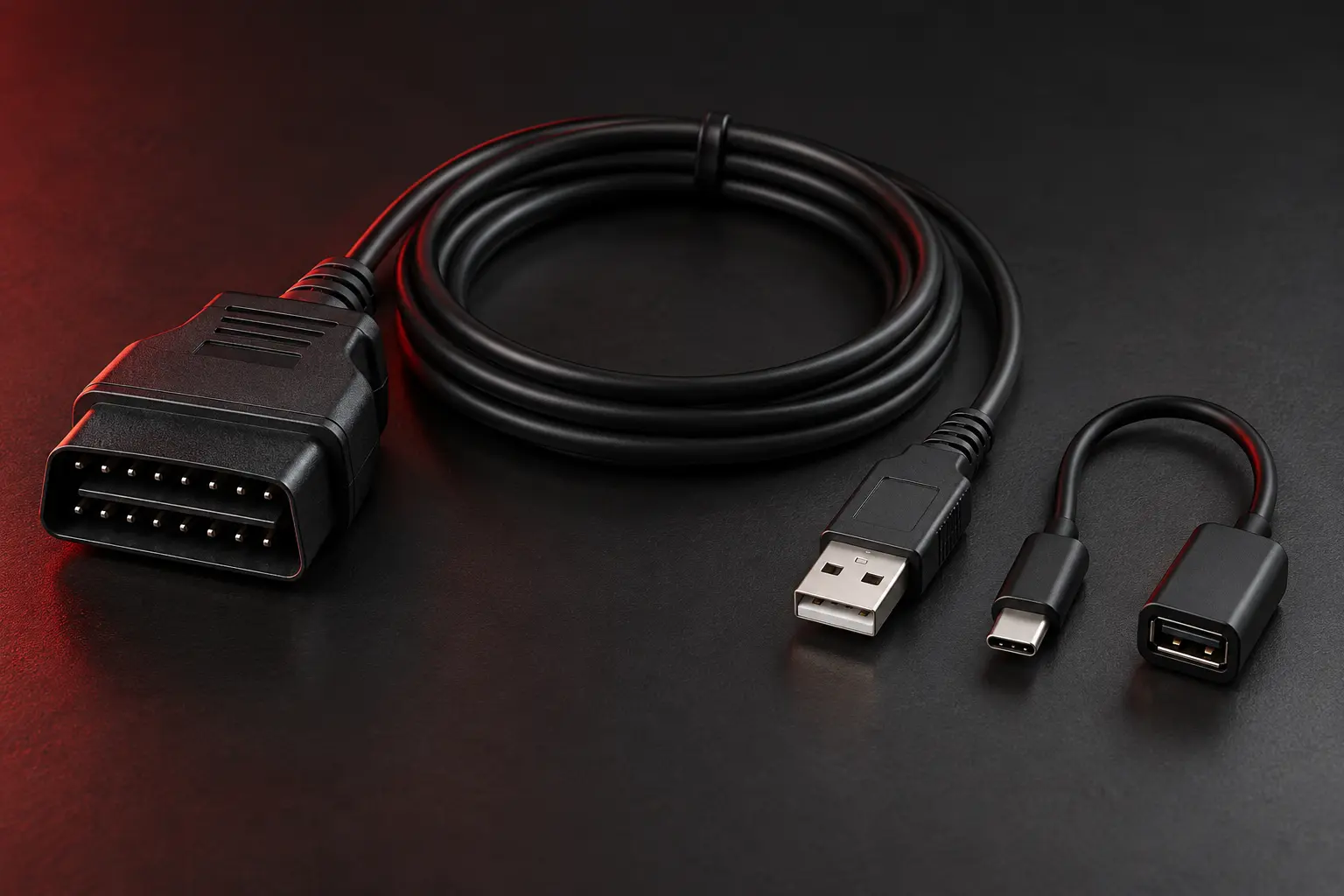
OUR TIP
K+DCAN + USB-OTG
Affordable and fast: a K+DCAN cable with an OTG adapter that fits your phone, such as USB-C. Your Android phone must support USB OTG.
- 01
Plug into the car
Connect the K+DCAN cable to the OBD port in the driver’s footwell.
- 02
Connect your phone
Connect the USB end to your phone using the OTG adapter.
- 03
Connect in BimGlow
Select Connect → K+DCAN · USB, allow USB access and wait for vehicle detection.
Engine off, ignition on, light switch set to 0. Use light shows only while parked away from public traffic. For K-Line, set the cable switch as instructed by its manufacturer.
03 / COMPATIBILITY
Compatible with
your BMW?
Vehicle profiles included in BimGlow.
Compatibility depends on the light module fitted.
| BMW series | Light module | Protocol | Profile |
|---|---|---|---|
| E60 / E61 LCI | LM2 | D-CAN | Available |
| E60 / E61 pre-facelift | LM1 / LM_AHL | BMW K-Line | Available |
| E63 / E64 pre-facelift | LM1 / LM_AHL | BMW K-Line | Available |
| E63 / E64 LCI | LM2 / LM_AHL_2 | D-CAN | Available |
| E65 / E66 | LM_E65_2 | BMW K-Line | Available |
| E81 / E82 / E87 / E88 | FRM1 FRM_87 | BMW K-Line | Available |
| E81 / E82 / E87 / E88 | FRM2 / FRM3 FRM_70 | D-CAN | Available |
| E90 / E91 / E92 / E93 | FRM1 FRM_87 | BMW K-Line | Available |
| E90 / E91 / E92 / E93 | FRM2 / FRM3 FRM_70 | D-CAN | Available |
Swipe sideways to see all columns.
Based on app 0.50 · LCI = facelift. Not every vehicle and adapter combination has been tested. F- and G-series vehicles are currently unsupported.
D-CAN: USB or a compatible Bluetooth/BLE/Wi-Fi adapter. K-Line: USB recommended; Bluetooth is experimental and requires suitable BMW K-Line firmware.